All six paths use the same generic declaration form. The program code routes the submission into the correct
intake lane, membership bridge, review visibility, activation progress, and draft instrument flow.
Organization
Strategic Commerce Participant
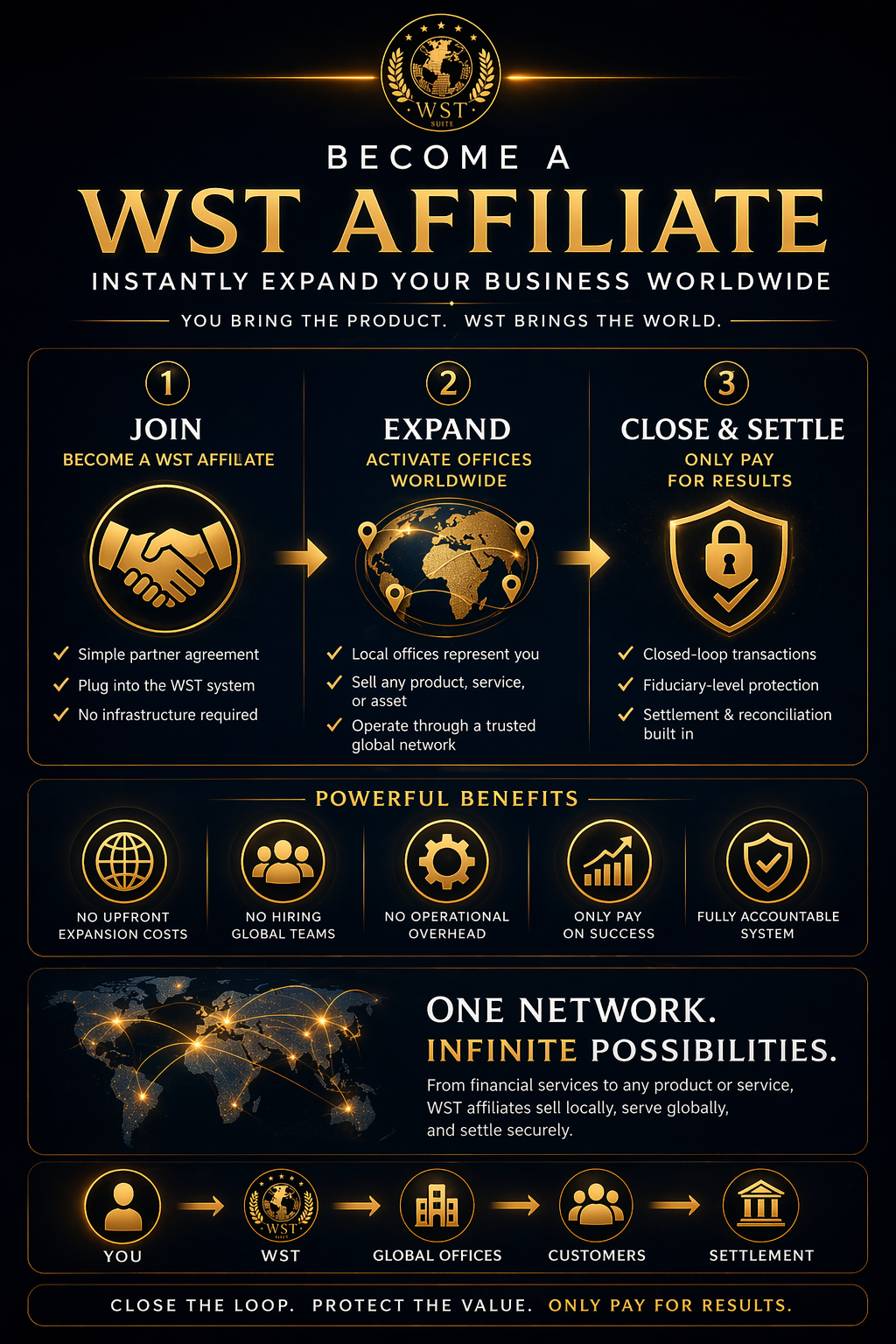
Connect your organization to the WST Commerce Engine while remaining fully independent. Ideal for businesses, trusts, tribal governments, municipalities, universities, financial institutions, manufacturers, and other organizations.
Best for: businesses, product owners, service groups, distribution partners
Projects
Project and delivery participation
Bring a project, delivery team, implementation capacity, or local need into the WST system. Use this path for builders, operators, municipalities, and practical deployment work.
Best for: project sponsors, builders, operators, regional teams
Capital
Capital, credit, and institution participation
Express interest in charter funding, structured capital support, institutional coordination, or aligned financial participation inside the WST model.
Best for: institutions, credit providers, underwriters, capital partners
Assets
Assets, reserves, and trustee participation
Bring declared assets, reserves, productive resources, or trustee-managed capacity into structured private review. Sensitive documents and declarations stay out of the public lane.
Best for: reserve holders, miners, trustees, operators, strategic resource partners
Investment
Investment opportunities
Participate in structured WST opportunities tied to real projects, charter growth, and long-term system expansion.
Best for: private investors, family offices, aligned capital partners
Support
Support the program
Contribute to humanitarian projects, system development, and global coordination through a recognized support declaration.
Best for: supporters, donors, public contribution, aligned service support
Standards
Participation Principles
All participation operates under WST standards, verification, membership alignment, and accountable settlement.
- Declarations are auto-recognized: no manual approval is needed to begin.
- Activation is locked: membership, full application, identity when required, and standards must be completed.
- Authority is never automatic: no declaration grants representation, territory, control, or value rights.
- Private review remains available: ET visibility exists for real value, sensitive assets, authority, settlement, or institutional activity.
- Draft instruments carry the work: the member system creates the record, contract, asset, affiliate, project, support, or investment draft.